Deconstructing Reality Composer Pro (Scene Navigator)

To implement the Scene navigator, we will need to handle .usd manipulation, and the best approach I have found is to use Apple's SwiftUsd project. Although it is a bit behind the standard and has some quirks with C++ interops, it remains powerful and convenient, and by including precompiled dependencies, it will save us a significant amount of time.
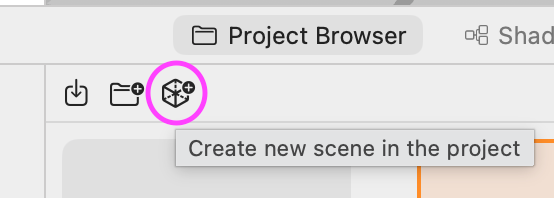
This part of RCP focuses on displaying a model hierarchy. Since we are working with .usd files specifically, it's important to think in terms of scene representation and not just in model formats. According to the validators, every scene in RCP must be a .usda file with a node (Xform) called "Root" at the top level. Pressing the button on the project browser automatically generates this structure when creating a new scene.
#usda 1.0
(
    customLayerData = {
        string creator = "Reality Composer Pro Version 2.0 (494.60.2)"
    }
    defaultPrim = "Root"
    metersPerUnit = 1
    upAxis = "Y"
)

def Xform "Root"
{
}
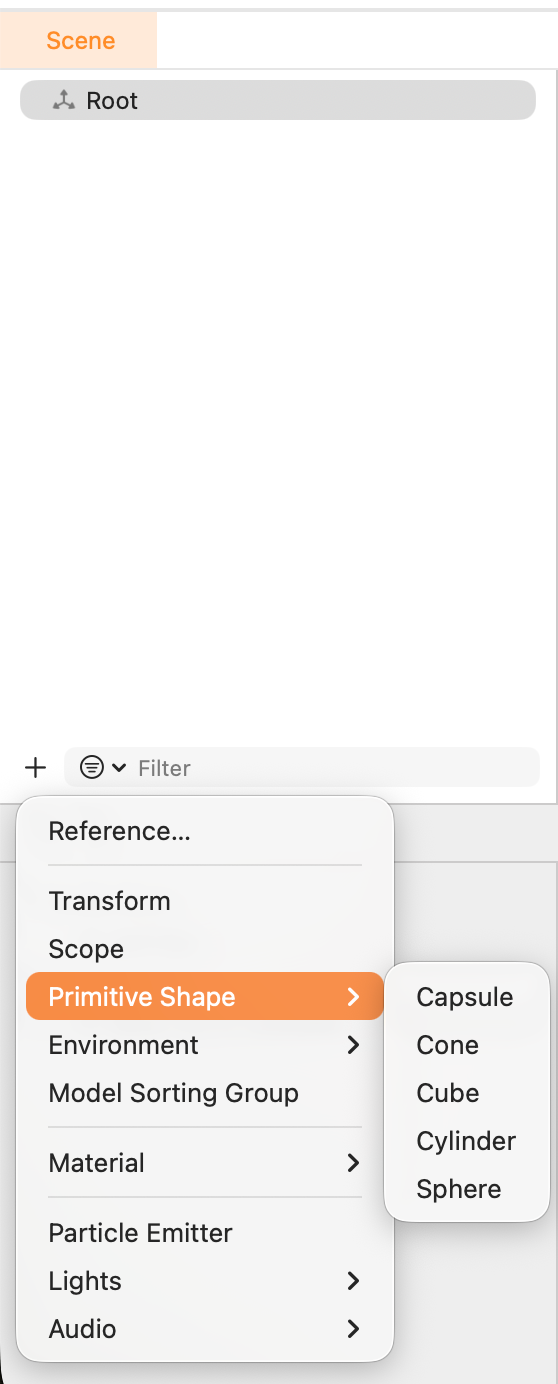
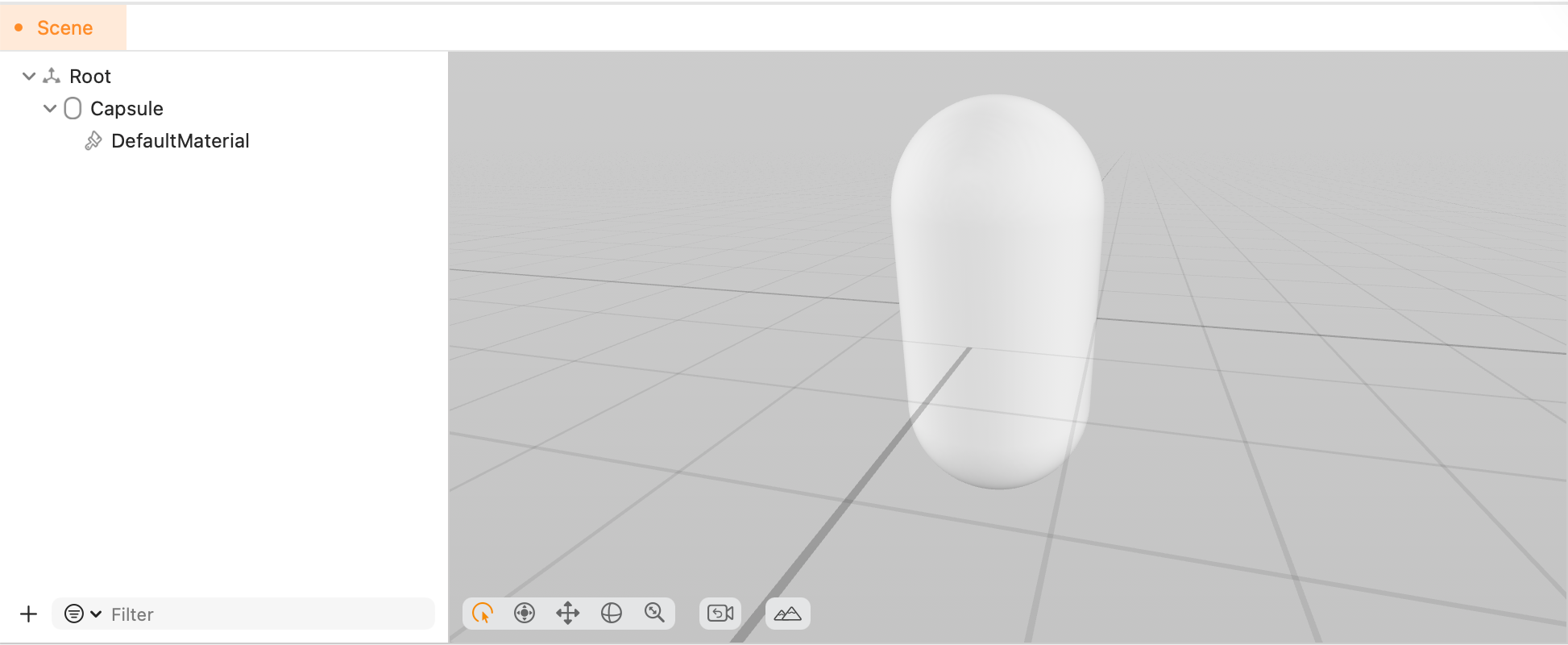
From there, it's all about showing the scene hierarchy; for example, here's the result of adding a Primitive Shape > Capsule.
#usda 1.0
(
    customLayerData = {
        string creator = "Reality Composer Pro Version 2.0 (494.60.2)"
    }
    defaultPrim = "Root"
    metersPerUnit = 1
    upAxis = "Y"
)

def Xform "Root"
{
+    def Capsule "Capsule" (
+        active = true
+        prepend apiSchemas = ["MaterialBindingAPI"]
+    )
+    {
+        uniform token axis = "Y"
+        double height = 0.2
+        rel material:binding = </Root/Capsule/DefaultMaterial>
+        double radius = 0.1
+
+        def Material "DefaultMaterial"
+        {
+            prepend token outputs:surface.connect = </Root/Capsule/DefaultMaterial/DefaultSurfaceShader.outputs:surface>
+
+            def Shader "DefaultSurfaceShader"
+            {
+                uniform token info:id = "UsdPreviewSurface"
+                color3f inputs:diffuseColor = (1, 1, 1)
+                float inputs:roughness = 0.75
+                token outputs:surface
+            }
+        }
+    }
}
For this implementation pass, we will just create the hierarchy display with OutlineGroup, filtering with parent preservation and the "Primitive Shape" insert menu; all this will require just enough integration with SwiftUsd to prove we can edit .usda scenes correctly.
UI Menu → TCA Action → SceneEditClient → USDInterop → USDClient → unique naming → apply primitive defaults → refresh
The Problem: Raw USD vs RCP Primitives
When you create a primitive through OpenUSD's DefinePrim() (inside our USDClient step), you get a schematic primitive with no authored attributes, so we need to reapply some defaults after creation to match RCP's magic numbers. Those values make primitives fit within a 20cm bounding dimension—a deliberate choice for AR scale (think: objects you'd place on a table).
| Primitive | RCP Default | USD Schema Default |
|---|---|---|
| Cube | size = 0.2 |
size = 2.0 |
| Sphere | radius = 0.1 |
radius = 1.0 |
| Cone | height = 0.2, radius = 0.1 |
height = 2.0, radius = 1.0 |
| Cylinder | height = 0.2, radius = 0.1 |
height = 2.0, radius = 1.0 |
| Capsule | height = 0.2, radius = 0.1 |
height = 2.0, radius = 1.0 |
/// Configures default attributes for geometric primitives to match RCP defaults.
/// RCP uses 0.2m (20cm) as the standard size for all primitives.
private func configurePrimitiveAttributes(prim: UsdPrim, typeName: String) {
    switch type {
    case "cube":
        let cube = pxr.UsdGeomCube(prim)
        cube.CreateSizeAttr(VtValue(Double(0.2)), false)
    case "sphere":
        let sphere = pxr.UsdGeomSphere(prim)
        sphere.CreateRadiusAttr(VtValue(Double(0.1)), false)
    // ... etc
    }
}

// The false parameter to CreateSizeAttr means "don't write if already authored" — respecting any existing values.
What more could we do to get closer to RCP parity?
Testing with some scenes shows that RCP also adds
MaterialBindingAPIschema- Default white material with roughness = 0.75
- Transform stack (
xformOp:translate,xformOp:orient,xformOp:scale)
 elkraneo
 apple
apple