Selection Effects for RealityKit
A HoverEffectComponent-shaped API for selections in RealityKit.

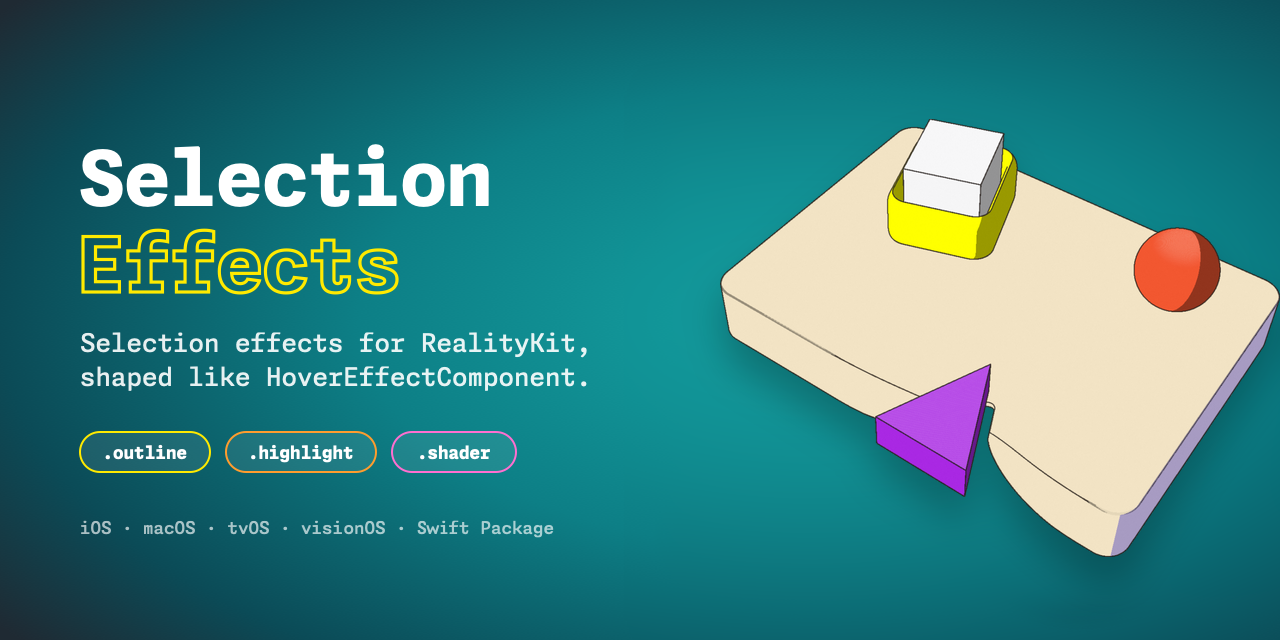
TL;DR: a consolidated way of expressing selections, entity.components.set(SelectionEffectComponent()), extensible effects, and a RealityKit crash workaround.
Context: RealityKit Outline Selection: three passes, one PostProcessEffect, which became an SPM package, the original PostProcessOutline effect, and extended to give ARView support (after Richard Hasson's feedback). A library that worked across our projects, but using it felt off: you kept a renderer in @State, subscribed to every frame to hand it the camera, it needed to set the effect in the infamous update: closure, and the need for calling setSelection(nil) to clear it. Too many moving parts just to say "this thing is selected."
Apple's "HoverEffect" already solves something similar
HoverEffectComponent is a RealityKit component with an effect built from a style: .spotlight, .highlight (or .shader when you want your own look in Shader Graph). You add it; RealityKit draws it while the system reports the entity as hovered (on visionOS, apps never get access to where you look).
SelectionEffects applies the same idea for a more public event:
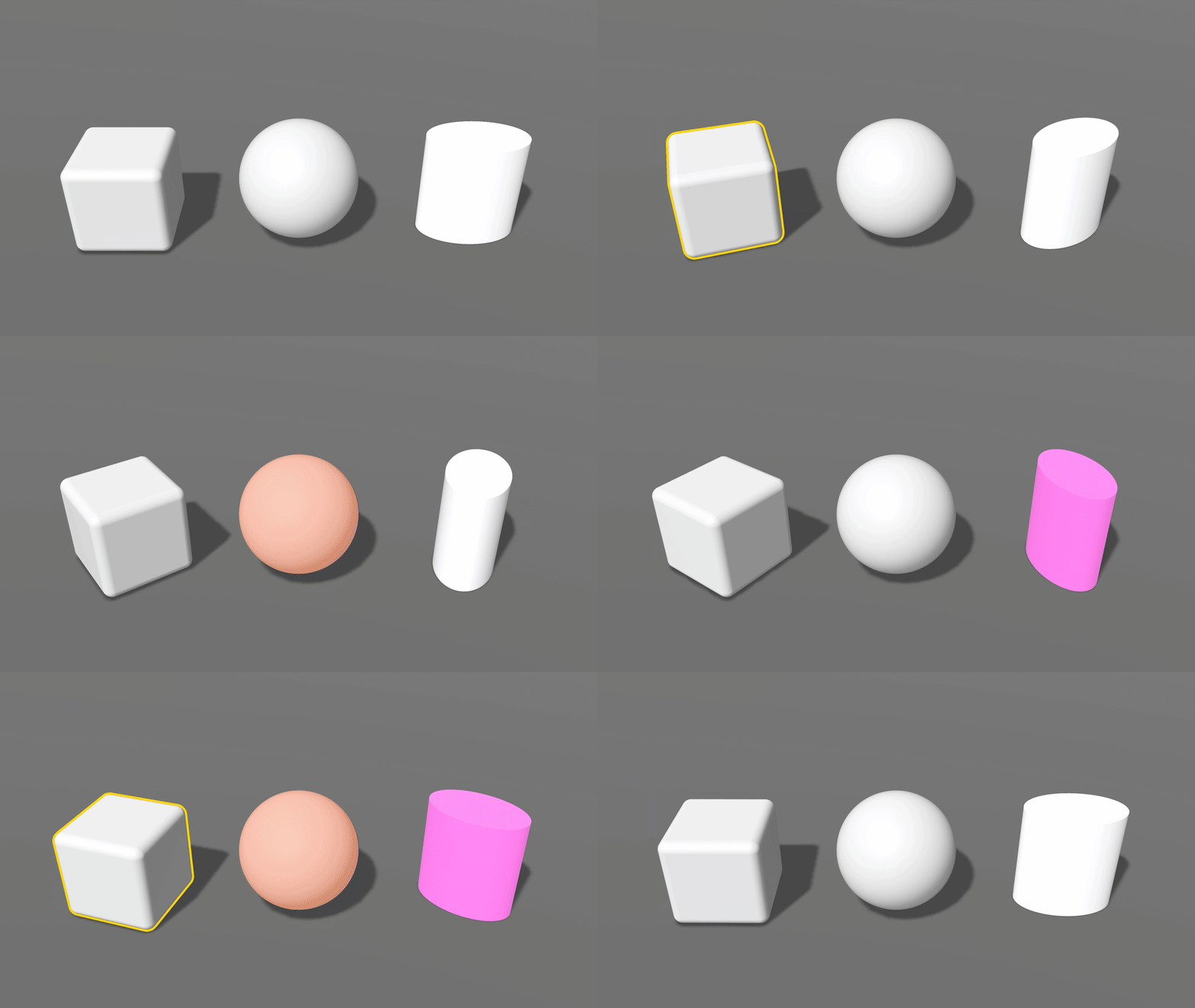
entity.components.set(SelectionEffectComponent())   // outline in the accent color
entity.components.set(SelectionEffectComponent(.outline(.init(color: .systemYellow, width: 3, occludedOpacity: 0.3))))
entity.components.set(SelectionEffectComponent(.highlight(.init(color: .systemOrange))))
entity.components.set(SelectionEffectComponent(.shader(.default)))
entity.components.remove(SelectionEffectComponent.self)   // deselect
And one line per view:
RealityView { content in
    content.installSelectionEffects()
}
Internally a System reads the camera and the selected entities every frame; this counterintuitively improves performance (and removes the need of update: closure 🎉) but it crashes; more on that later.
New: hidden parts
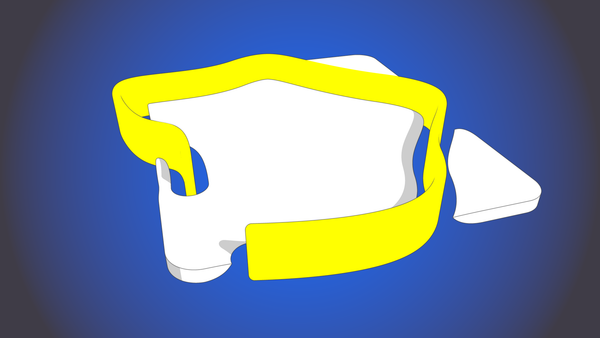
Some requirements that appeared after real-life use includes occludedOpacity which allows setting how much of a selection shows through whatever is in front of it. PostProcessOutline could only show all of it (1); now it can use 0 to hide it and 0.3 to look like Reality Composer Pro’s viewport for example.
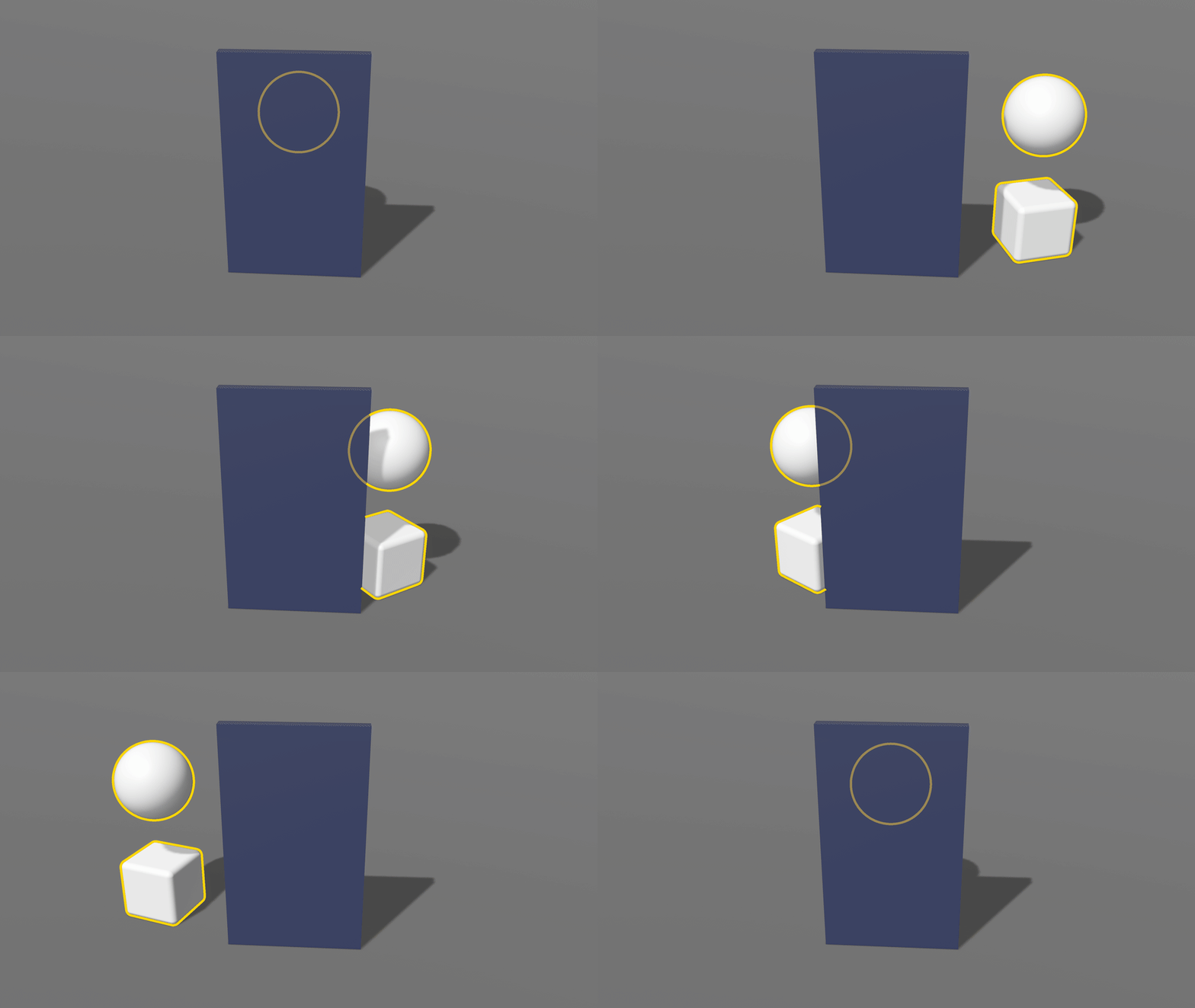
Custom selection looks
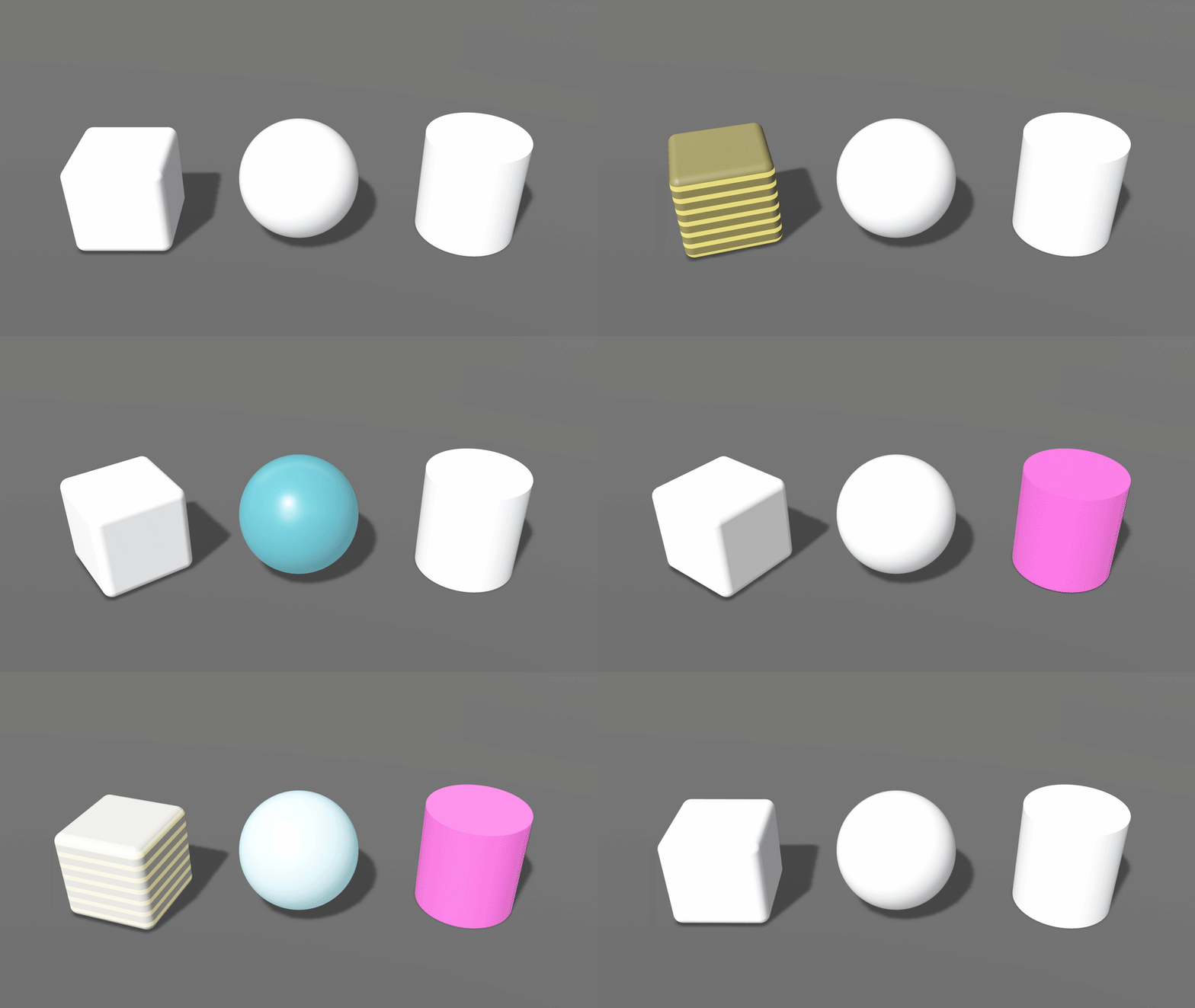
Being inspired by HoverEffectComponent and ignoring its .shader option would have been a shame. Apple’s .shader feeds hover into a built-in Shader Graph node, Hover State, whose value comes from the renderer itself. A package can compose nodes out of existing ones, but it can’t add a node the renderer feeds, so .shader here animates a float input of your material instead: SelectionIntensity, 0 to 1, the same contract as Hover State’s intensity output.
The look’s own parameters (color, speed, width) stay in the material. Build the glow, tint, or pulse in Reality Composer Pro from that input; each look below is a small graph driven by it. It needs no post-processing, so it also works on visionOS, where the outline and highlight can’t (RealityKit has no post-processing there, for now).
Le Crash
RealityView has a single custom post-processing slot, content.renderingEffects.customPostProcessing. Apple's documentation says to apply your effect to the content and sets no timing rule. On macOS 27.0.1, setting it in the make closure crashes inside RealityKit every time, even with an effect that only copies the frame through. Setting it in update: crashes intermittently. Setting it after the first frame works. I reported it as FB25173230.
update: 2 and 3 of 5 across two runs, first-frame 0 of 5. In lldb the trap is a force-unwrap in ARView.renderCallbacks.setter, of the camera's RECameraViewDescriptorsComponent, which only exists once the view renders.That update: closure is exactly what PostProcessOutline’s README recommended (it only seemed to work because the example loaded a model first, so the view had rendered by then). installSelectionEffects() waits for the first frame instead and then attaches the effect from there. One slot means one effect, so since 0.2.0 it takes a frameHandler: that runs after the selection passes to read the finished frame or draw over it. StageView already uses it to capture the viewport for image export.
Get it
It works with RealityView and ARView

PostProcessOutline stays as it is, the standalone technique this post's predecessor explains. SelectionEffects is where selection goes from here.