Soft measurement unit formatting


One common issue encountered when developing for visionOS is that all measurements are displayed in imperial units by default. This is because there are still no settings for Language & Region. To allow users to select the measurement unit type without having to set the locale, formatters must be used (as with any Human-Friendly Content). In SwiftUI, the process is even simpler: all you have to do is find the appropriate setup for the format constructor of a Text (or equivalent View). For the most part, simply using .measurement(usage:.asProvided) results in keeping the Unit of a converted measurement rather than the system’s defaults.
let temperature = Measurement<UnitTemperature>(value: 13, unit: .celsius)
//...
Text(temperature.converted(to: .kelvin), format: .measurement(usage: .asProvided)) //286,15 K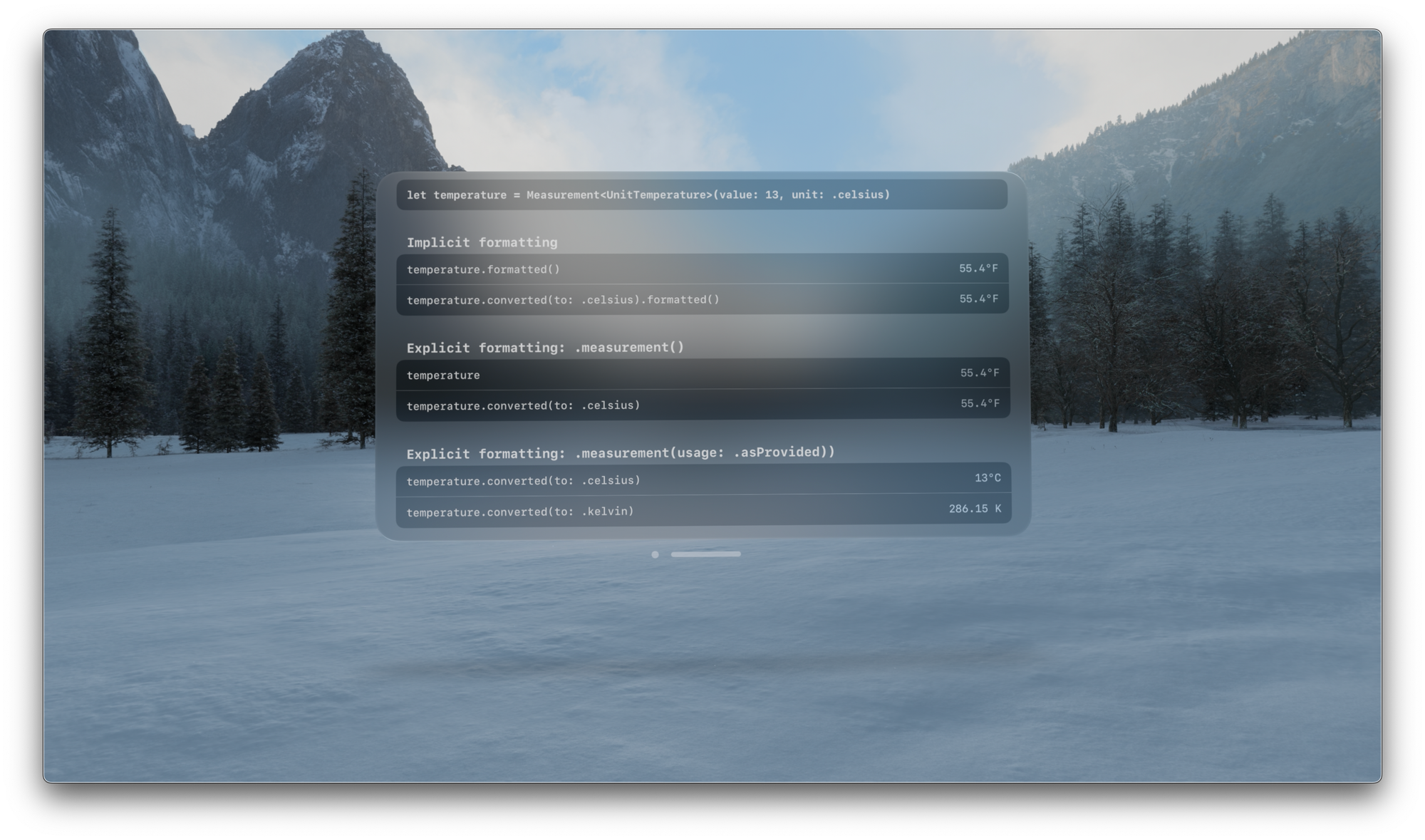
MeasurementFormat.swift
GitHub Gist: instantly share code, notes, and snippets.
 262588213843476
Flight School Guide to Swift Strings
A comprehensive reference for working with text in Swift and Foundation. Available in print and digital formats.
 Mattt Zmuda
Swift Foundation Formatter Improvements
Apple added a much easier way to work with date, number and other data formatters in iOS 15 and macOS 12.
 Keith Harrison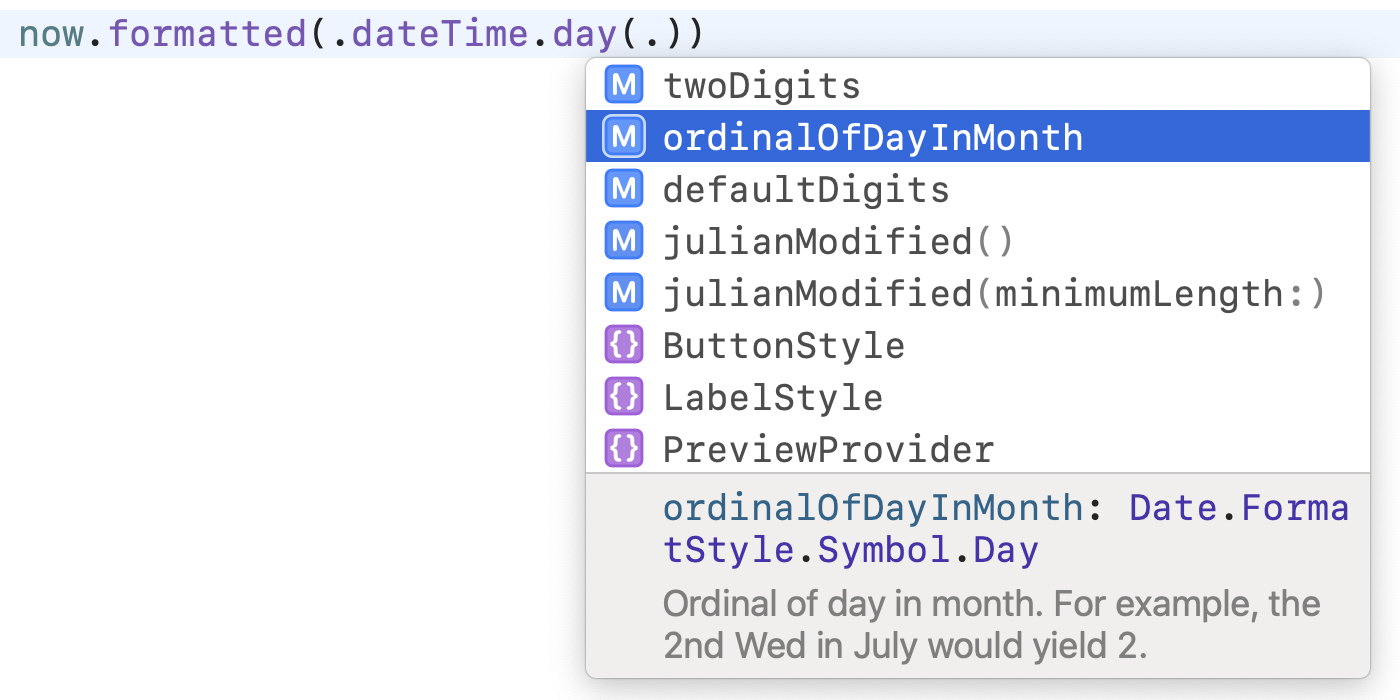
Mastering Swift Foundation Formatter API. Basics
One of the significant additions to the Swift Foundation was the new Formatter API. After almost two years of using it, I apply it in every project, and even more, I try to build my data formatting logic around this API. Today we will learn how to use the new Swift Foundation Formatter APIs.